
Let's make plans
October 16, 2024
The last time I shared a Power Automate recipe, I stashed it at the end of a long post.
This time, I'll put the recipe right up front. Here it is: Recipe for Excel-to-Planner Automation with Power Automate.
It's on my website because WordPress has better formatting options, like lists and code view. And mine is a fairly simple site, no pop-ups or registration gates or anything like that, so feel free to head over there when you're ready to recreate a 20-step flow in your own environment.
What the flow?
Here's what the Power Automate flow does: You start with an Excel table containing a list of Tasks, categorized into Plans and Buckets, plus columns for Description, Priority, Start Date and End Date, and tags.
Press a button with Power Automate and the contents of the table are pulled directly into Planner.
Minimize image
Edit image
Delete image
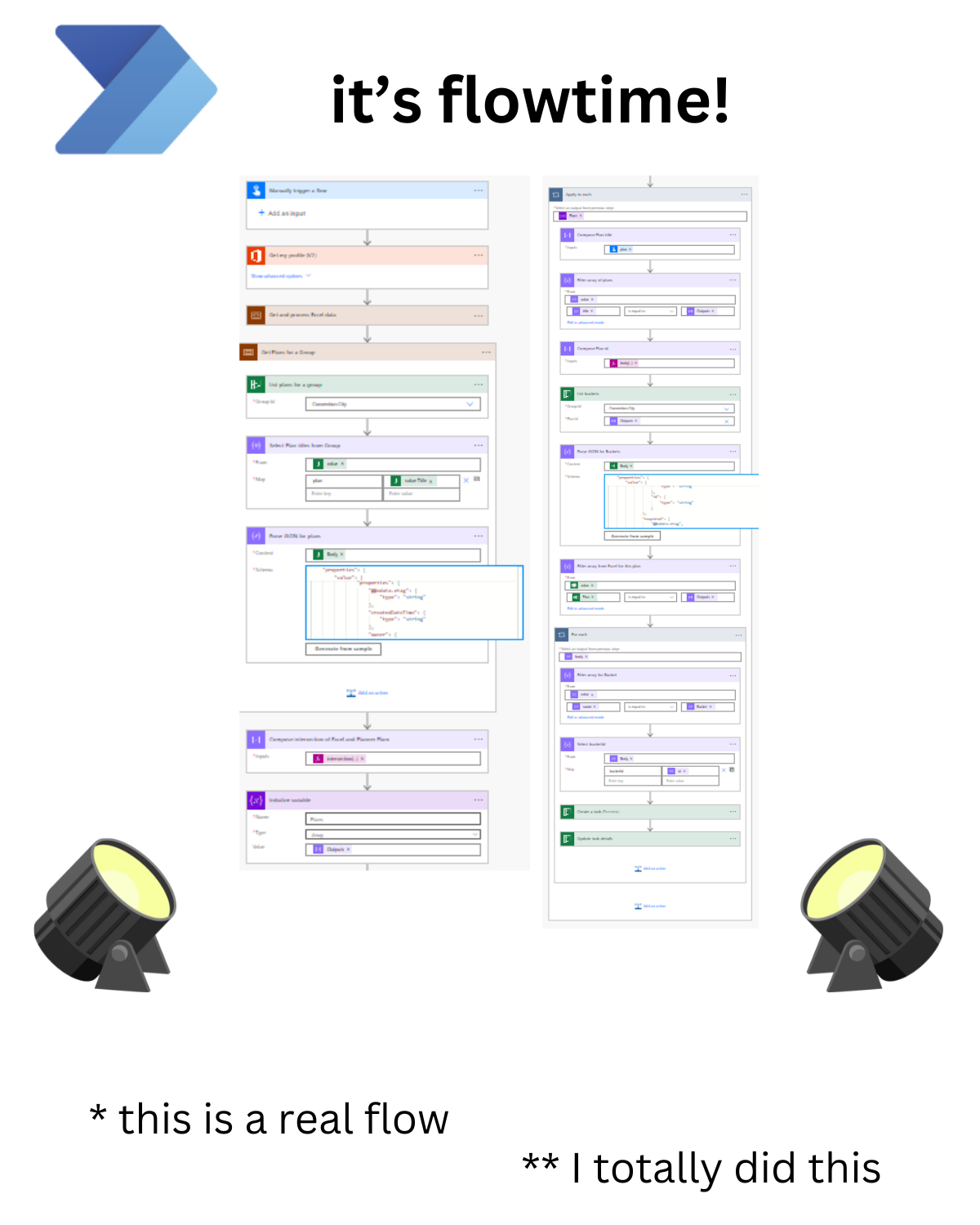
how's that for a catchphrase?
That means you can use Excel to collect all your various projects, across tasks, and rearrange and sort however you like. And then, when it looks like a plan, you can move everything into the Planner interface, which is ideal for checking off items and getting the chime to ring.
And more importantly, Copilot knows how to respond in Excel-ready format.
Here's a prompt:
Please create a task list for [Project Name] in a tab-delimited format that I can paste into Excel. Include the following details for each task:
Plan: [Specify the plan or category]
Bucket: [Specify the workflow stage or category]
Title: [Brief title of the task]
Priority: [Set priority as an integer from 1 to 9, with 1=urgent, 3=important, 5=medium]
Description: [Detailed description of the task]
Start Date: [Specify the start date]
Due Date: [Specify the due date]
Drafted: [YES/NO]
Edited: [YES/NO]
Printed: [YES/NO]
Approved: [YES/NO]
My guess is that soon enough, you won't need a flow like mine to intermediate between Excel and Planner. It'll be baked right into Microsoft 365 and Copilot. You'll have an agent handling the integration. Just explain what you want to do, and you'll get a plan filled out in your preferred app, following the way you keep things organized.
But in the meantime, I'll be making plans. Lots of plans.
On the top of the list is finding one or more organizations willing to pilot my QR Cards solution, which I've described in some detail in earlier editions of this newsletter. (You can also find a quick overview on my Model Citizen Developer website.)
In 4Q24, my ideal customer would be a Destination Marketing Organization (DMOs) for a city or region. I've been thinking in depth about that use case since my experience at Seattle Convention Center, along with events such as the International Downtown Association Annual Conference and continued research in the field. Plus, there's grant money out there for DMOs getting ready for big events coming our way, such as the 2026 Men's World Cup.
Beyond DMOs, there are solid use cases for event organizers, as well as any organization with a Guest Services mindset, from tourism to transit. I'll explore some of those ideas in future posts.
I know that QR Codes are not the most super-advanced technology, and I'd be surprised if we're still scanning them in five years. Nevertheless, we can do wonderful things with them in the meantime. If we can figure out quick and easy ways to improve visitor experiences, let's do it with the tools we have at hand. Which, by the way, would provide a solid foundation for deploying the super-advanced technologies.
This whole project started out as a learning exercise, and then it turned into a portfolio piece for becoming a Power Platform developer. Now I believe that it's a strong enough idea to launch a startup. That is, if I can get it rolling quickly enough.
I have a plan for that.
If you're interested in being a pilot customer, let's talk!