A Case for Cards
July 10, 2024
We use Canva here at Convention City Seattle.
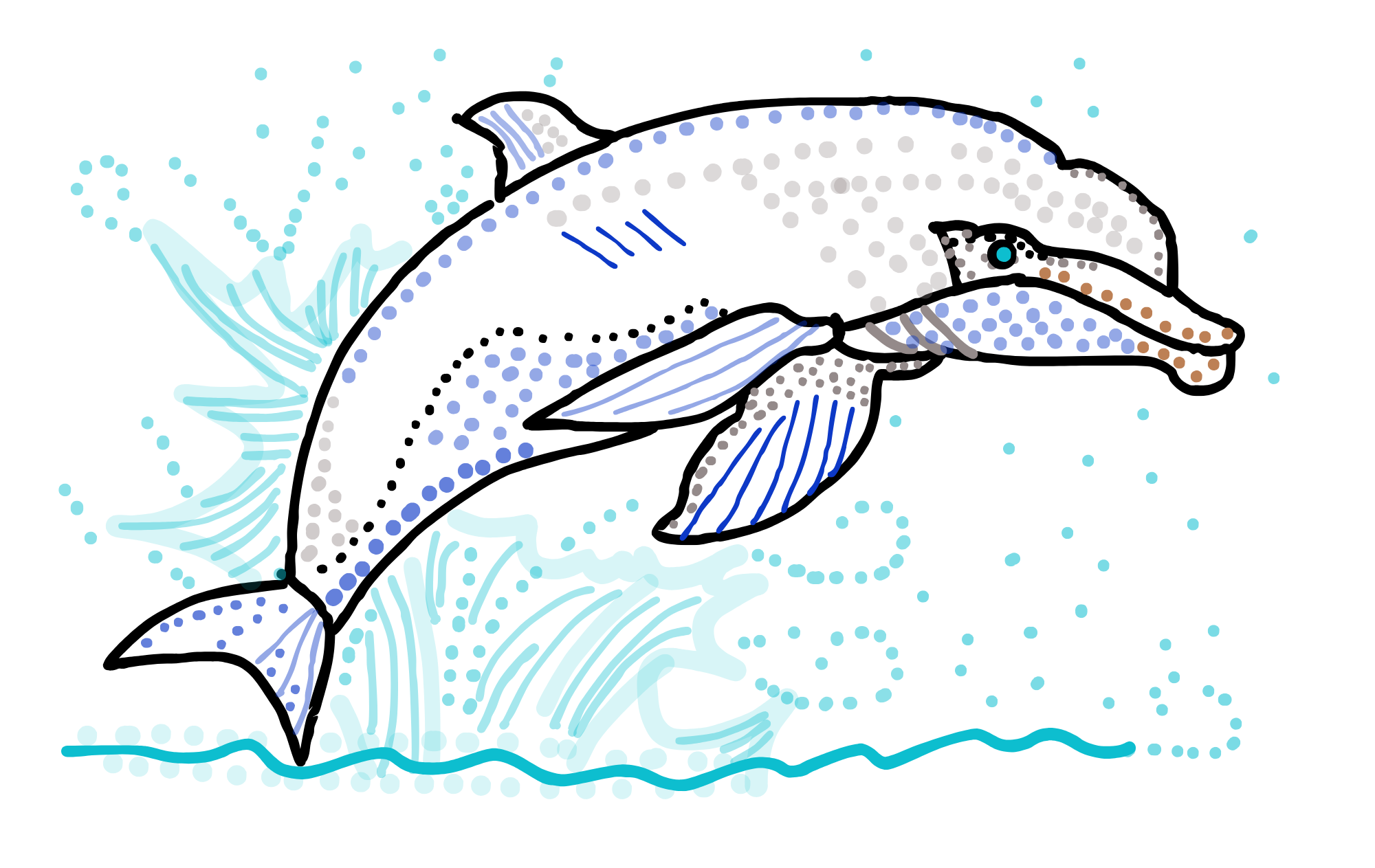
See that dolphin up there? And all other illustrated animals in this newsletter?
It's all original artwork, drawn by Tamara Schneider directly onto the page using Canva's built-in drawing tools. No Adobe Illustrator, no InDesign. No AI, no stock art. No Adobe subscription needed.
Canva is a classic disruption story. Instead of expecting part-time creatives to pay for an expensive bundle of professional tools with specialized features, Canva offers a less expensive solution that's perfectly adequate for basic tasks, and the unified user experience includes an AI-powered assistant that guides you through anything you might want to do.
That's how I found out that Canva supports bulk image import and bulk creation of business cards.
Wait, I'm working on bulk creation of business cards -- do I find myself in the shadow of one of those dinosaur feet I keep hearing about?
No, not yet.
I'm happy to report that my solution for bulk creation of business cards is much better than what Canva, or anyone, offers.
Business Card Generator
Over the last week, I've been building out my Business Card Generator with Power Apps and Power Automate, plus Azure Functions, Azure Storage, and automatic image processing with computer vision.
Here's how it works now:
-
Upload a standard business card for the front.
-
Upload as many variations as you want for the back, with a placeholder QR code anywhere in the image.
-
Map each variation to one or more URLs. For example, in preparation for this week's Bloomberg Green Festival at Seattle Center, the dolphin will leap to Queen Anne attractions, the elephant will amble to some corner of my personal website, the frog will hop to Convention City Seattle, and the salmon represents my return to programming as a Model Citizen Developer. (See image below.)
-
An automated function generates QR codes for each URL and overlays the new QR codes on top of the placeholder QR codes.
-
Another automation gathers all the images for a print run and collects them into formatted HTML pages, front and back, that can be saved as PDFs for double-sided printing.
-
Take your PDFs to the printer. (Some assembly required, but with Canva out there capturing business card orders, it's easy to find a print shop willing to work with you.)
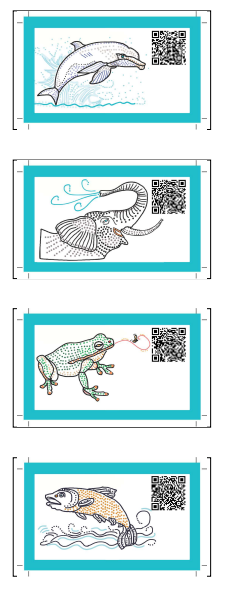
Custom card backs from the Business Card Generator
With a stack of differentiated business cards, I'll be able to hand out appropriate cards for any anticipated situation. To use a programming metaphor, it's the "case" statement approach to conference interactions.
match person-i-meet:
case "wants to explore Seattle Center neighborhood":
dolphin
case "wants to visit Convention City"
frog
case "interested in tech"
salmon
case _: #default
elephant
And I'm just getting started. Soon, the Business Card Generator will feature:
-
Herds, not Clones. Instead of 100 elephants using the same QR code to point to the same website, I'll have 100 elephants with 100 different QR codes. Initially, they'll all point to the same website, but that's just the initial state.
-
Personalization at scale. What if, after you handed out a business card, you could write a personalized note that would appear when they scan the card? Or, add a link, or share a photo. Or link to a random item. Or engage in an AI-powered chat that evolves over time. Anything's possible.
-
Feedback. The intent with these cards is to exchange valuable information without needing to exchange phone numbers or email addresses. But you still may want to know if your recommendation hit the mark, and if it was the highlight of someone's trip. That's why the landing pages will include simple feedback mechanisms.
It's been exciting to make fast progress on the Business Card Generator initiative using a combination of low-code tools in Microsoft Power Platform, pro-code tools with Microsoft Visual Studio Code, and the sometimes-invaluable, sometimes-maddening assistance of Microsoft Copilot. Thanks, Microsoft!
By the time I get to the Power Platform Community Conference, this thing is going to rock.