Peak QR Code
June 5, 2024
I saw a landscaper wearing a t-shirt with a giant QR code printed on the back, the company name in small type below.
That's a strange approach to branding. Instead of promoting the name of the firm (e.g. "Shrubby's Landscaping") or sharing a catchy website URL (shrubbys-landscaping.com) or a memorable phone number ("Call 1-888-SHRUBBY"), they're jumping straight to the "contact us" stage of the customer relationship with a two-dimensional computer-scannable barcode that's impossible for humans to interpret.
How's that supposed to work? You're driving down the street and see a team of landscapers working on a job. You pull over (please, pull over), take out your phone, open the QR scanner, and zoom in on someone toting around a leaf blower just to find out the name of the company.
Sightings like that are why I'm calling "Peak QR Code." By 2030, you'll see QR Codes on television shows to signal that a story took place in the mid-2020s.
But I do admit that QR Codes have certain advantages.
-
Your prospects don't have to type in long URLs.
-
Your prospects don't have to rely on a search engine that charges you to have your own website appear on the first page of results.
-
You can keep track of every time someone scans your code.
You probably knew about the first two, but the third one takes a few extra steps.
One simple thing that anyone can do is route QR codes through a link shortening service.
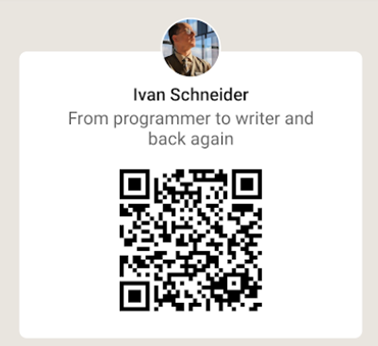
For example, here's the personalized LinkedIn QR Code that takes you to my profile page. (You'll find yours by clicking the icon on the right in the mobile app search bar.)
LinkedIn profile page QR Code
If you decode this QR code, you'll get:
https://www.linkedin.com/in/ivantohelpyou?fromQR=1
The text to the right of the "?" is a query parameter. In this example, the parameter fromQR is set equal to 1. LinkedIn may use that parameter to track QR code usage, but they're not sharing the count with you.
As an alternative, here's a QR Code that I can add to my business card:
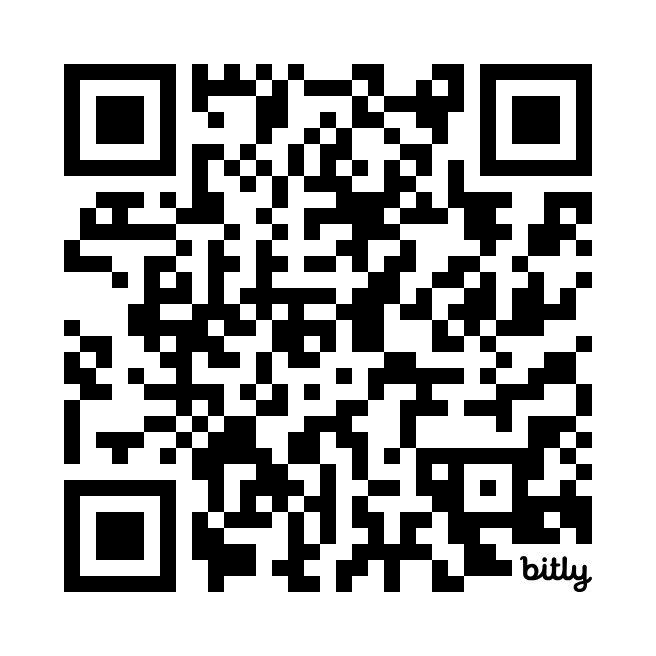
When decoded, this opens the link https://bit.ly/ivantohelpyou, which then resolves to https://www.linkedin.com/in/ivantohelpyou.
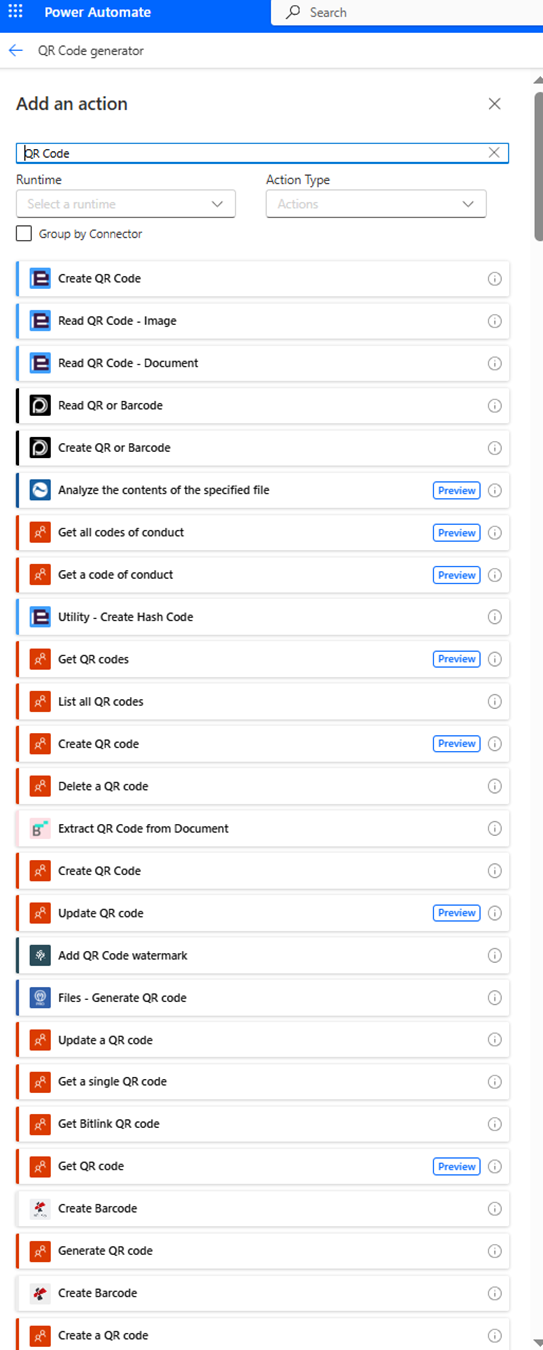
That way, I'd know how many people scanned my business card. But wait, there's more! Using the Power Platform techniques I wrote about last week, it's possible to create a QR code that triggers any logic sequence.
For example, a QR code with encoded query parameters could trigger a Power Automate flow that sends me a Teams message saying: "Someone scanned your business card!"
And instead of 100 identical business cards, if I were to print 100 business cards with sequential query parameters encoded in the QR code for each, I could get a Teams message saying: "Someone scanned business card #1001." By keeping track of who got which card, I'd know exactly who's following up.
This is just one way that you can make QR Codes smarter, and it's on the simpler end of the spectrum of what's possible. A single QR Code could pull up a specific row in a database table, send notifications, or trigger a cascading series of actions. And it gets even more powerful when you put the QR code at the end of a data capture process, where the QR code becomes associated with your customer's own data.
That's why I'll refine my earlier statement -- it's Peak QR Code, but only for static QR codes that you can put on a t-shirt or a restaurant table.
When it comes to dynamic QR Codes, we're just getting started.
A selection of QR Code connectors in Power Automate