Ugly Ducklings
May 15, 2024
The Next Big Thing: Low-Code QR Codes
I just got a letter from the bank issuer of my 1% cash-back credit card. If I enroll by the end of the month, I'll earn up to 20% more cash back on purchases! Free money, right?
-
Step 1: Scan the QR code, visit the URL, or call a phone number.
-
Step 2: Use your card for purchases May 1 -- June 30, 2024. "Earn up to 20% more cash back (up to $20) on purchases after you spend $2,500."
Only two big problems with this offer.
First, the offer only kicks in after I spend $2,500 during the promotion period. In other words, if I spend $12,500, they'll give me a whopping $20 back. (Without the offer, it's 1% back, or $125. With the offer, it's $145. And by my math, that's 16% more cash back, not 20%.)
Second, the QR code takes me to a generic website where I'm asked to type in a 13-digit code! My credit card company knows how to do a mail merge with my name and address, but they haven't yet figured out the mysteries of the QR code.
That's what drew my attention to the offer, as I've been busy building a far better QR code experience for my Convention City app.
Using the Convention City app, attendants and event staff will be able to generate custom QR codes for visitors and guests. With one click, guests will be taken to a custom website created just for them.
Here's how it works (the short version)
Ask any question, and an attendant will give you the answers (including maps, details, schedules, audio, video, website links, and anything digital) and you can take it all with you by scanning a single QR Code.
Here's how it works (the technical version)
1. A guest asks an attendant one or more questions -- i.e. directions, resources, lunch spots.
2. The attendant looks up the answer(s) using a Power Apps canvas app.
3. If the guest wants to see the results on their own device, the attendant presses a button in the interface that patches the answers into a Dataverse database.
4. Whenever a new row is created, Dataverse automatically assigns it a globally unique identifier (GUID).
5. Adding a new row also triggers a Power Automate flow that creates a QR code. That QR Code contains a link to a URL that includes the GUID as a "query parameter." That means instead of sending someone to the generic landing page of https://conventioncityseattle.com, I'll append "?id=12345" to the URL, where 12345 is the unique identifier.
6. The QR code is saved as an update to the row, which triggers a refresh of the attendant app in Power Apps. This will happen quickly, within a few seconds at most, which allows the attendant to show the QR Code directly to the guest.
7. The guest uses their own device to read the QR Code, which resolves to a website using the deep-linked query parameter.
8. A Power Pages website is configured with a Liquid template that retrieves the new record using the GUID. (Here's how.) And from there I can show info from related tables and lookup tables, delivering a rich content experience. All without ever asking for the user to enter data, authenticate, or provide a phone number or email address.
9. I know what you're thinking: "What if I try id=12346 or id=12347? Won't I be able to see someone else's records?" Well, yeah, no kidding, that's why I'm also going to create a random key that goes into each QR code. That way, you'll get to see your page and nobody else's. It's poor-man's row level security, which I can implement even for anonymous users. (I'll have a pathway to migrate anonymous users to authenticated users, but that conversation can happen after delivering value, not before.)
10. Dashboards provide anonymized aggregates of what people are asking about and shows how they're interacting with the content.
That's the project. It's looking real good.
Why am I telling you all this?
Because that's what Model Citizen Developers do.
We're civic-minded and altruistic AF.
Plus, with low-code tools, the underlying technology is not that difficult. (Unless you're a bank.)
My business plan
-
Provide free software for attendants.
-
QR Code and custom webpage generation, metered as a low-cost service.
-
Dashboard via monthly subscription.
-
Customization and experience design as a premium consulting service.
---
Get on the waiting list here.
---
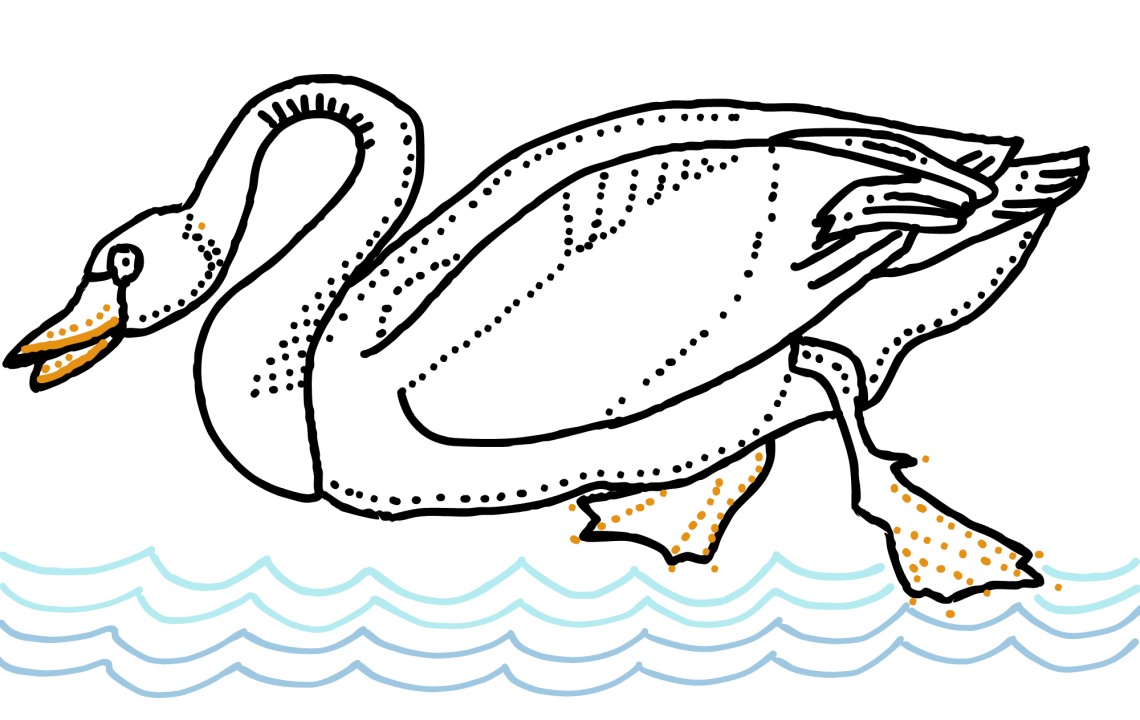
I'm taking a baking class at Seattle Central College, where we learned how to make choux swans, the inspiration for this week's drawing.
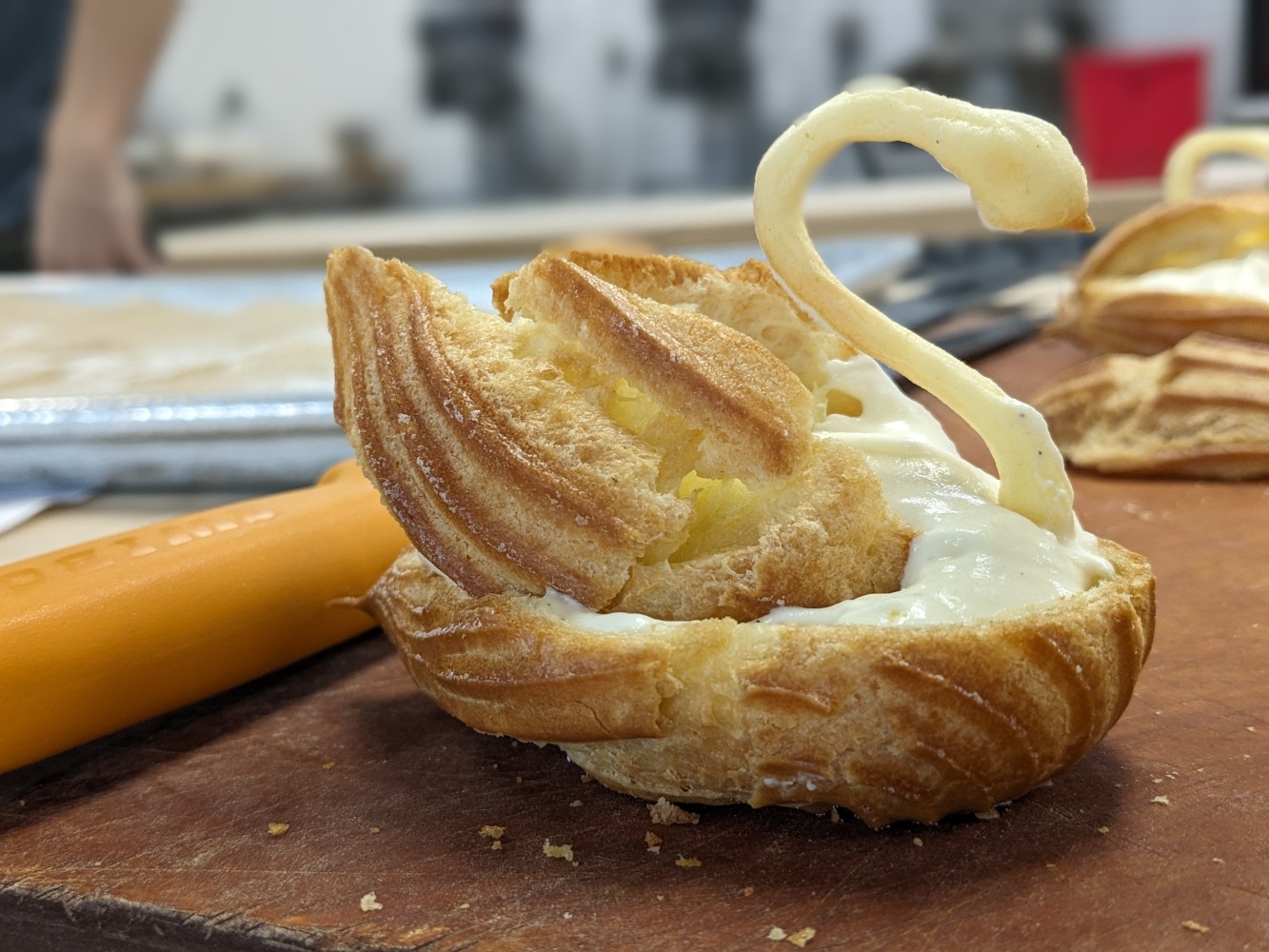
Choux swan.